
Professional Computer Cleaning & Maintenance Services
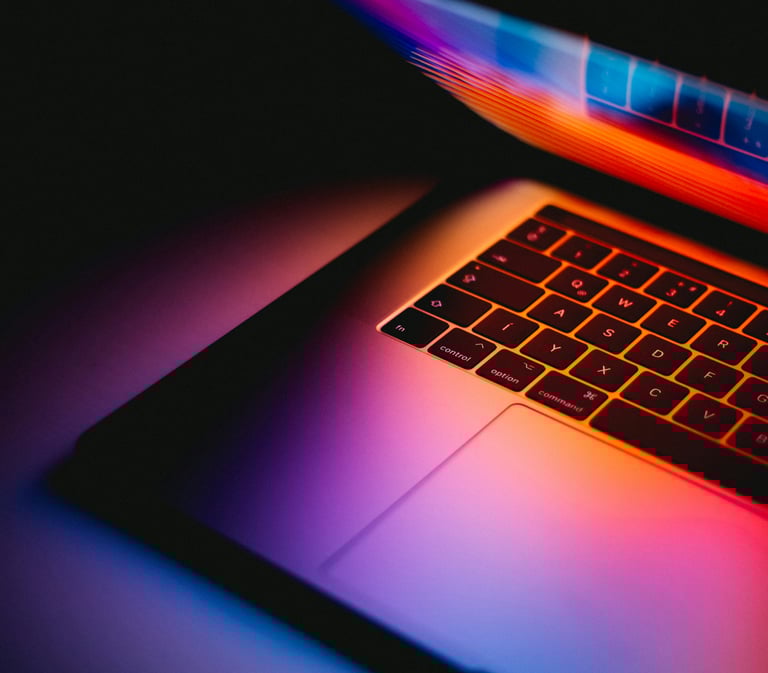

Keep your desktop, laptop, or all-in-one running cooler, quieter, and more reliably with professional internal cleaning, preventative maintenance, and deep clean services.
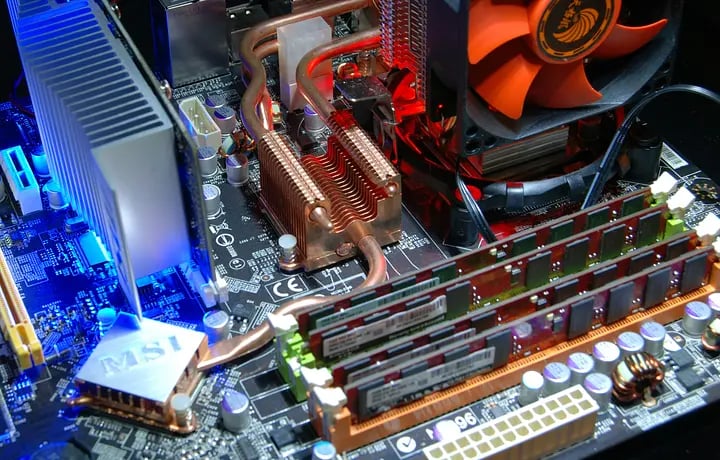

Why Does Maintenance Matter
Improves Performance
Regular computer maintenance helps keep your system running faster and smoother by clearing out junk files, unnecessary startup programs, and software issues that slow everything down.Prevents Costly Breakdowns
Routine checkups can catch problems early—like overheating, failing hard drives, or software errors—before they turn into expensive repairs or total system failure.Enhances Security
Maintenance helps ensure your antivirus, operating system, and software are up to date, reducing the risk of viruses, malware, ransomware, and other security threats.Extends Device Lifespan
Cleaning dust buildup, checking hardware health, and keeping software optimized can help your computer last longer and delay the need for replacement.
Services to Fit Your Needs
Basic Internal Cleaning
Comprehensive Cleaning
Advanced / Deep Cleaning
• Dust removal from fans and vents
• Heatsink and intake cleaning
• External port cleaning
• Basic visual inspection
Thermal Paste Add-On
Optional thermal paste replacement for systems with heat issues
Additional Devices - Same Visit
Dust-Heavy / Pet Hair Cleanup
$69.00
Best for desktops and systems with easy internal access.
Great for systems that need physical cleaning plus general maintenance.
For all-in-ones, compact computers, and heavily impacted systems.
• Internal dust removal
• Startup and performance review
• Basic cleanup of temporary files
• General maintenance check
• Deeper internal access (disassembly)
• Component level cleaning
• Heavier debris removal
$89.00
$199.00
$59.00
Desktop Models
Laptop/AIO Models
$99.00
For systems with unusually heavy buildup that takes extra time.
$39.00
Basic Internal Cleaning only
$49.00
Cleaning prices shown are for local service only
Extended and Outer areas will vary slightly
Schedule Your Maintenance Today!
Honest, affordable, and personalized tech solutions in Hayden and beyond
Is computer maintenance the same as computer repair?
Not exactly. Maintenance is meant to help keep your computer running well and prevent problems, while repair is usually needed when something has already failed or stopped working properly.
How often should a computer be maintained?
That depends on how often the computer is used and what it is used for. Many home and small business computers benefit from periodic maintenance, especially if they are used daily.
Frequently Asked Questions About Computer Maintenance
How do I know if my computer needs maintenance?
Signs include slow performance, long startup times, freezing, excessive pop-ups, failed updates, storage issues, overheating, or programs not running as expected.
What is included in computer maintenance service?
Computer maintenance may include system cleanup, software updates, security checks, performance optimization, removal of temporary files, startup optimization, and general system health review.
Can maintenance improve a slow computer?
In many cases, yes. Cleanup, updates, startup optimization, and general system tuning can often improve speed and stability, especially if the slowdown is software-related.
Get answers to common questions about our maintenance services.
Can you perform maintenance on older computers?
Yes. Maintenance can often help older computers run better, although in some cases aging hardware may still limit overall performance.


